
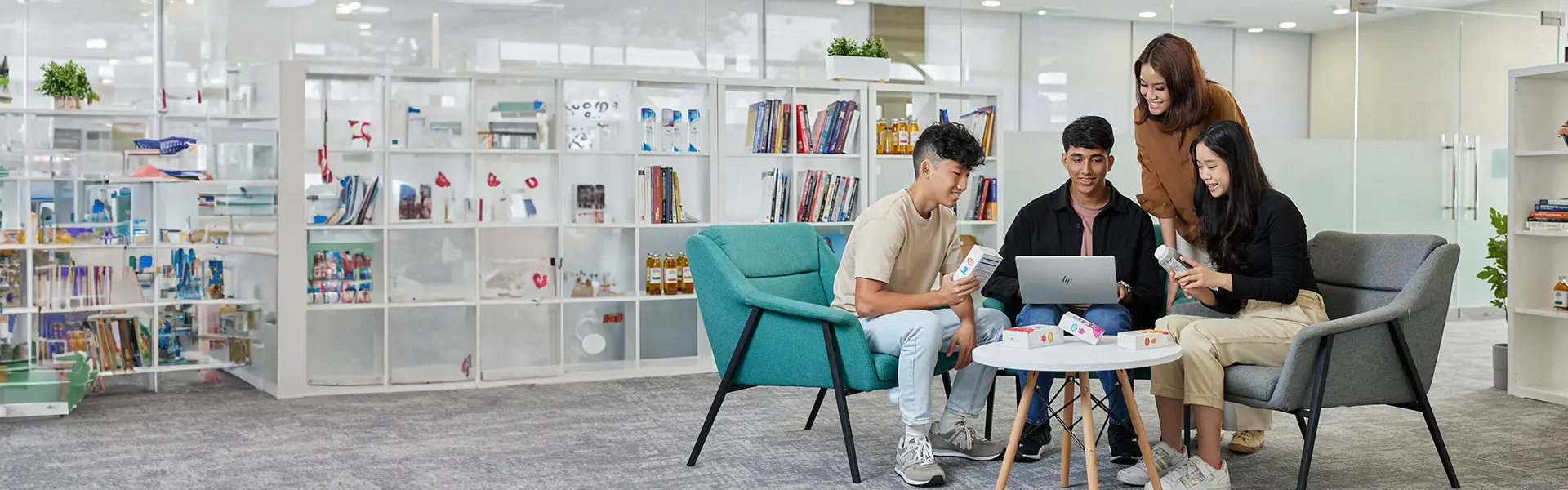

Notebook Roadshow 2026
Check out NYP's new range of notebook brands and models for purchase.


 Notebook Ownership Scheme
At Nanyang Polytechnic, we believe in the use of notebook computers as a learning and communication tool. Taking advantage of our campus-wide wireless network, you can bring your notebook computer to lectures, tutorials, for e-learning and doing projects.
- Windows 11 and above
- Intel® Core i7 processor / AMD Ryzen 7 processor
- 64-bit processor
- 16 GB RAM or above
- 512 GB HDD
- Wireless adapter must minimally support IEEE 802.11 a/g/n standard
- Acer NITRO V 16S AI ANV16S-41-R69D
- Acer Swift X 14 AI SFX14-61G-R5P1
- HP VICTUS 15-FB3030AX
- Lenovo Legion 5 15AHP10
 Centralised Student IT Helpdesk Services
The Student IT Helpdesk provides a centralised service for the IT support needs of students from all schools.
| Venue | Block A Level 1, A.152 (Food Central) |
|---|---|
| Contact | 6550 0099 |
| Operating Hours |
Mon-Fri: 8.30 am - 7.00 pm (Closed on Sat, Sun and Public Holidays) |
| NYP_STUHELPIT_from.PCCW@nyp.edu.sg |
The range of services provided by the Student IT Helpdesk includes:
- Troubleshooting of NYP wireless configuration and connection issues (laptop, Android, iOS)
- Guidance to reset myNYP Portal Password
- Guidance to reset NYP Student Email Password
- Advice on self-cleaning/removal of viruses
- Guidance to download and use Microsoft Office Software
Students can provide their feedback on Internet and Wireless access on campus.